Sortefi Is Now in Claude: Screen the Markets From Inside the Chat
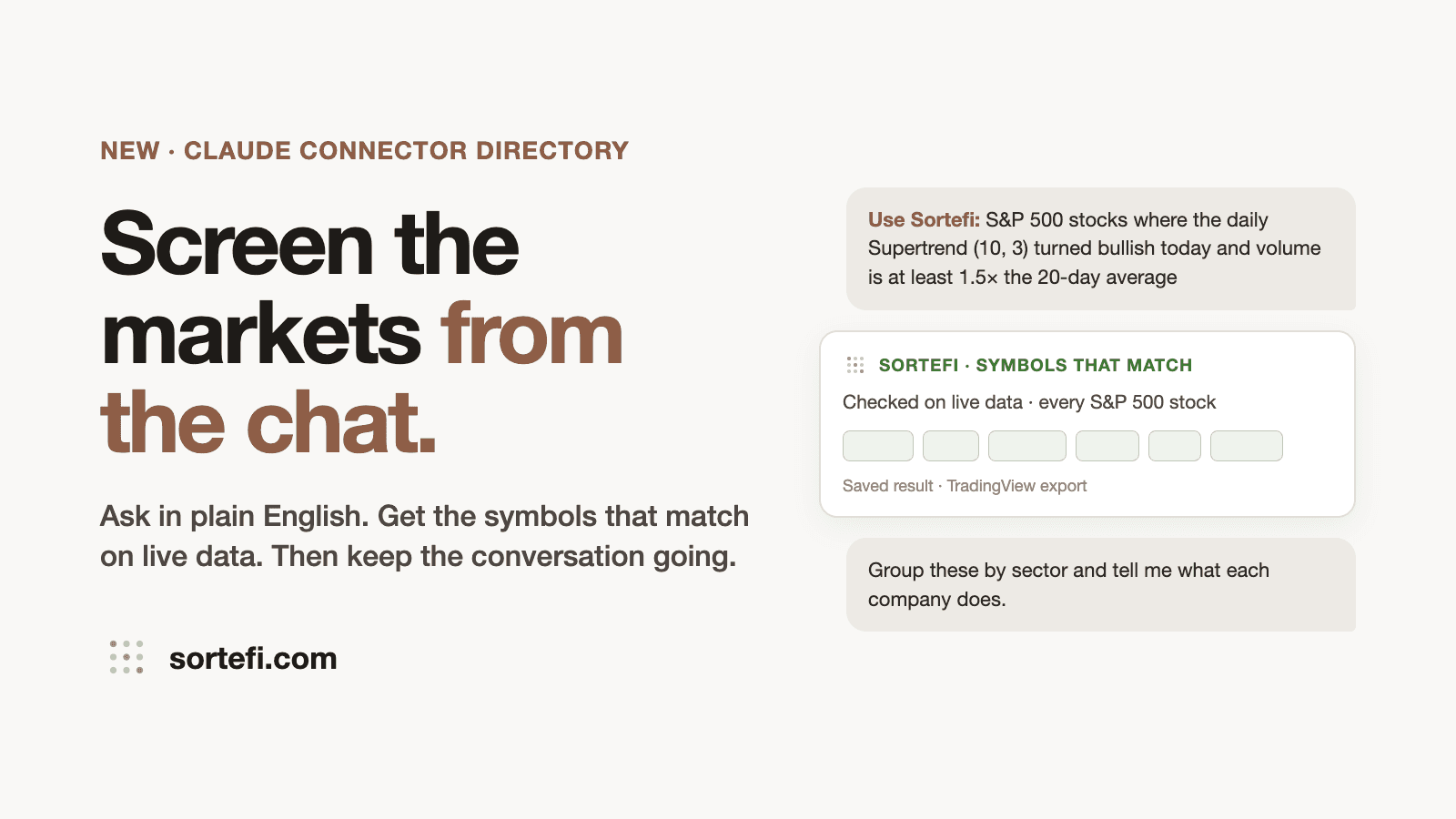
Sortefi is now listed in Claude's connector directory. You can ask Claude for a market screen in plain English, and the symbols that match come back in the chat.
Claude is good at thinking through a trade idea with you. What it can't do on its own is check thousands of symbols against today's candles. That is the part Sortefi does: it computes every indicator on live data for every symbol in the market and returns only the ones that pass. Claude does the conversation, Sortefi does the data.
How to add it
- In Claude, open Customize → Connectors.
- Search for Sortefi and press Connect.
- Sign in to your Sortefi account and press Allow. No account yet? Sign up: new accounts get free screens.
- In any chat, start with “Use Sortefi:” and describe the screen.
You can also add it by hand: choose Add → custom connector and paste https://mcp.sortefi.com/mcp. Full setup notes are on the connector help page.
Five asks to try
- US stocksUse Sortefi: S&P 500 stocks where the daily Supertrend (10, 3) turned bullish today and volume is at least 1.5× the 20-day average
- Indian stocksUse Sortefi: NSE stocks with market cap above ₹10,000 crore, down 3 days in a row, with a bullish engulfing candle today
- CryptoUse Sortefi: Binance perps whose 4-hour Bollinger Band width is the lowest in 90 candles and the 1-hour close is above VWAP
- ForexUse Sortefi: Forex pairs where the daily 50 EMA is above the 200 EMA, ADX is above 25 and price is within 0.5 ATR of the 20 EMA
- ETFsUse Sortefi: ETFs where the daily MACD crossed above its signal line and price is above the 200-day SMA
What comes back
- Your request, word for word. Claude passes what you wrote straight to Sortefi, and the reply says exactly what was screened, so you can check it was read right.
- The matching symbols, with the market and timeframe, and a link to the saved result on sortefi.com where you can download a TradingView watchlist.
- One question if something is missing. Leave out the timeframe and Sortefi asks for it instead of guessing. That question is free.
- What it cost. Screens run on your own Sortefi account, exactly as on the website: free screens first, then pay per screen, no subscription. Every result ends with what it was charged and the balance left.
Sortefi returns symbols only. It doesn't give advice, forecasts or buy and sell calls, inside Claude or anywhere else.
Keep the conversation going
This is where being inside Claude pays off. Once the list is in the chat, you can have an intelligent conversation about your screened results and take the analysis in any direction you want: ask about the companies, compare lists, check the news, or send Sortefi a follow-up screen without leaving the chat.
After the Supertrend screen above, for example, you might type:
- “Group these by sector and tell me what each company does.”
- “Which of these report earnings in the next two weeks?”
- “Explain what a Supertrend (10, 3) flip means and why the volume condition matters.”
- “Use Sortefi: run the same screen on the weekly timeframe. Which symbols are on both lists?”
- “Find recent news on the three largest names and summarise it. (Needs web search turned on in Claude.)”
- “Use Sortefi: now try the same idea on NSE stocks.”
Claude does the discussion and research. Lines that start with “Use Sortefi” send a new screen, which runs and is charged like any other. Claude's analysis is Claude's own, and Sortefi's part is always the list of matching symbols.
Why we built it
About as many of our visitors now arrive from AI assistants as from Google search. People already think through their trading in a chat window, so the screener should be there too, with the same rules, the same data and the same wallet as the website.
If you try it, I'd like to hear what worked and what didn't: get in touch.
— Siddharth, founder of Sortefi